
The best keyboards to attach to a tablet depend on the meaning of attach: a fitted connector case, an adjustable Bluetooth holder, or a legacy model-specific cover. These categories are not interchangeable. This comparison names examples from each and makes the fit condition explicit. Choose an accessory designed for your exact tablet or a genuinely verified adjustable match, rather than treating magnetic alignment, a similar screen size, or a shared brand as proof.
Research method: We checked the cited manufacturer documentation on November 11, 2026. These are research-based selections, not hands-on test results. Labels describe use cases; they are not measured performance awards. No retailer star ratings or changing prices are used to rank these choices.
Start with this buying decision
Combo Touch applies to the iPad version selected by Logitech’s model list. Samsung’s EF-DX720 applies to named Galaxy Tab models and the local SKU’s requirements. Universal Folio is an adjustable 9–10-inch category with limits that still need checking, while EJ-FT810 is a legacy 9.7-inch Tab S2 accessory. These are separate routes, not a list of four products that all fit one tablet. If your device matches none, a standalone keyboard can be useful but should not be described as physically attached. Check support, detachment, charging access, and the complete carrying arrangement before deciding.
Product choices and compatibility limits
| Product or route | Reason to investigate | Decisive check |
|---|---|---|
| Logitech Combo Touch for iPad | Model-specific iPad keyboard case and trackpad | Select the exact iPad version; this is not a universal Bluetooth case |
| Samsung Book Cover Keyboard Slim EF-DX720 | Fitted option for named compatible Galaxy Tab models | Match regional SKU and named device; do not generalize to all Samsung tablets |
| Logitech Universal Folio | Adjustable keyboard case for eligible 9–10-inch tablets | Check physical dimensions and OS; do not assume 10.5-inch fit or current availability |
| Samsung Galaxy Tab S2 Book Cover Keyboard EJ-FT810 | Original 9.7-inch Tab S2 accessory to verify | 9.7-inch model-specific legacy accessory; condition and regional layout need checking |
Logitech Combo Touch for iPad
Combo Touch is a fitted iPad keyboard case with a detachable keyboard and trackpad, using the iPad’s Smart Connector according to Logitech. The product selector distinguishes supported iPad groups. This is a candidate when you want an attached writing package and own the exact tablet named by the selected version.

Check the iPad model rather than its general size. Similar-looking generations can differ in shell and connector placement. Consider table depth and the support arrangement before treating a keyboard case as equivalent to a laptop hinge. The trackpad is worthwhile when pointer tasks matter in your apps; it is not automatically necessary for short messages. Choose a separate Bluetooth keyboard when the screen must sit independently or accessory reuse across future tablets matters more than having a fitted package. Do not extend this recommendation to an Android tablet or an unlisted iPad.
Consider it for: Model-specific iPad keyboard case and trackpad. Check before buying: Select the exact iPad version; this is not a universal Bluetooth case. Read the manufacturer documentation.
Samsung Book Cover Keyboard Slim EF-DX720
Samsung’s EF-DX720 family is a fitted keyboard-cover option for explicitly named Galaxy Tab models. The cited Canadian page names Tab S9, S9 FE, S10 FE, and S10 Lite. Use that evidence for those named devices and check the exact local SKU and software conditions before purchasing.
The reason to consider a fitted cover is keeping support and typing equipment together. That can suit moving between rooms or meetings with one tablet. It is less flexible than arranging independent keys and a screen stand on a permanent desk. Do not assume a Slim version includes every feature of a differently named Book Cover Keyboard; verify any required trackpad or special key. Choose standalone Bluetooth when the device is not listed, screen positioning matters more, or an existing protective case is preferable. Galaxy Tab branding alone is not sufficient evidence for compatibility.
Consider it for: Fitted option for named compatible Galaxy Tab models. Check before buying: Match regional SKU and named device; do not generalize to all Samsung tablets. Read the manufacturer documentation.
Logitech Universal Folio
Logitech describes Universal Folio as a Bluetooth keyboard case for most 9–10-inch tablets, using an adjustable grip. Consider this category when an exact fitted cover is unavailable and the tablet falls within the documented physical and software requirements. The word most is a limitation, not a promise about every device.
Check the body dimensions, edge controls, charging access, and any existing shell before buying. A display measurement alone is insufficient, and the published range should not be extended to a larger tablet by guesswork. This older model also needs a seller-condition and availability check. Compare a separate keyboard and stand when the adjustable grip is uncertain or you frequently remove the tablet for reading. Choose a confirmed fitted accessory when the integrated physical match is clearer and you prefer its carrying arrangement. Do not force a tight holder to make an uncertain combination appear compatible.
Consider it for: Adjustable keyboard case for eligible 9–10-inch tablets. Check before buying: Check physical dimensions and OS; do not assume 10.5-inch fit or current availability. Read the manufacturer documentation.
Samsung Galaxy Tab S2 Book Cover Keyboard EJ-FT810
Samsung’s support documentation identifies EJ-FT810 as a Bluetooth Book Cover Keyboard for the 9.7-inch Galaxy Tab S2. It is an exact-model route worth checking if you want the original fitted arrangement for that tablet. Do not extend the fit to a different Tab S2 size or to newer Galaxy Tab families.
Because this is legacy equipment, inspect the keyboard, supporting cover, battery condition, and language layout before purchase. A historical manufacturer page establishes the accessory identity, not current stock or the condition of a used item. Compare a compatible standalone Bluetooth keyboard when an intact original cover is difficult to find. The standalone route can let you keep an existing case, but adds a screen-support decision. Choose according to the actual available item and intended task rather than assuming the original accessory is automatically the better present-day purchase.
Consider it for: Original 9.7-inch Tab S2 accessory to verify. Check before buying: 9.7-inch model-specific legacy accessory; condition and regional layout need checking. Read the manufacturer documentation.
How the candidates were selected
We compared documented connection methods, stated platform support, physical setup requirements, and practical limitations. A candidate must meet the conditions relevant to the tablet before optional features influence the choice. The order of products is a reading order, not a universal performance ranking. For model-specific accessories, the fit condition applies only to the named device and selected version.
Manufacturer specifications establish what to verify; they do not establish identical behavior in every app. Our review methodology explains the difference between research and direct testing. Treat an unresolved software or physical-fit requirement as a reason to obtain confirmation before purchasing.
Checks for this tablet setup
Treat proprietary connectors as exact-model accessories
Magnetic alignment and accessory contacts are not interchangeable merely because two tablets share a brand. Match the keyboard version with the tablet generation and size, then check any software conditions. Do not force a nearly fitting case or infer support from the general appearance of the connection.
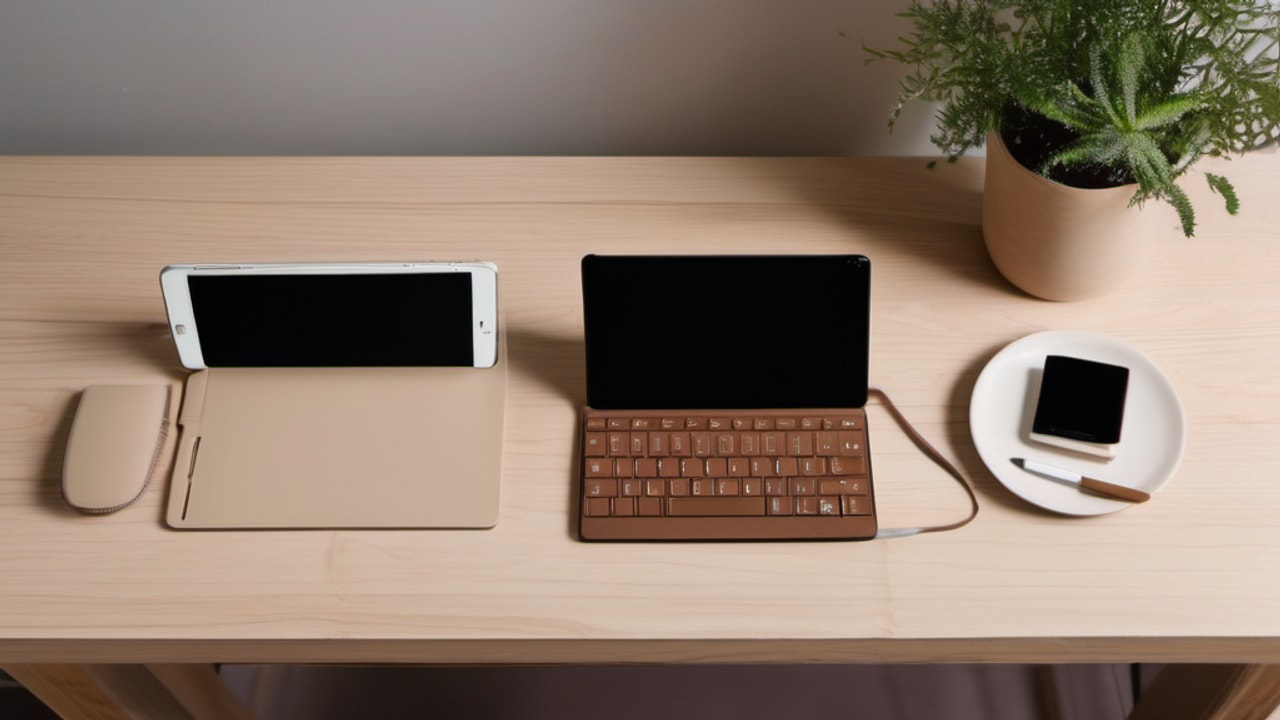
For a secondhand cover, request the model label and photographs of all included parts. Compare the label with manufacturer documentation. Confirm whether the keyboard, rear cover, and essential support pieces are present. An attractive price is less useful if a necessary component is missing or a hinge is worn.
A separate Bluetooth keyboard can be the more practical alternative when the attachment cannot be verified. The objective is a working arrangement with a clear compatibility path, rather than a matching brand name with uncertain mechanical or electrical fit. Be especially careful with accessories whose family name covers several sizes or revisions that look similar in a small retailer photograph.
Identify the tablet and installed software
Write down the full tablet name, generation, model number, installed operating system, and the protective case you intend to keep. A screen diagonal or familiar brand name is not a complete compatibility check. Retail pages can group several accessory versions under similar images, so compare the selected variant rather than the broad page title.
A separate keyboard needs supported software and a suitable connection. A fitted cover adds physical checks for the shell, camera, controls, and accessory contacts. An adjustable holder needs the outside dimensions of the tablet with its case installed. Ask the manufacturer about any decisive detail that is missing instead of interpreting universal as unrestricted.
Keep a short compatibility note beside your shortlist. Revisit it after selecting a different size, color, seller, or condition. The final item in the cart should be the item whose requirements you checked. This simple step is especially useful for older tablets with names resembling several generations of newer products.
Consider carrying, typing, and reading as different modes
Think through carrying the tablet, writing at a surface, and holding it without typing. An attached case keeps components together, but the keys can be inconvenient for handheld reading. Check whether the keyboard detaches, folds back, or remains attached in a position you dislike. Read the instructions rather than treating one photograph as a complete description.
Protection and typing are different requirements. A keyboard cover does not automatically provide the same edge protection as an existing shell. Conversely, a protective bumper may make an adjustable holder too tight. Check both functions rather than assuming one accessory satisfies them equally well.
Try transitions during the return window. If taking the tablet out and reinstalling it is frustrating at home, it is unlikely to improve while traveling. Choose for your ordinary mix of modes, not just the instant you sit down to type. A standalone keyboard can be useful precisely because it can stay behind when the other modes matter more.
Recreate the table, tray, or lap before buying
A lap, café table, narrow tray, and office desk provide different support. Check space behind the screen, room for your hands, and whether the arrangement moves when you tap the display. A product marketed as portable can still need a firm or deep surface to be practical once opened.
Recreate your usual surface at home before the return deadline. Stop if the tablet’s support hangs beyond the edge or feels precarious. Do not assume a keyboard cover balances exactly like a conventional laptop hinge. Include touchscreen selection, editing, and plugging in power in the trial.
An arrangement that feels stable only while you remain perfectly still is not ideal for ordinary interaction. Portability describes more than carrying size, and a travel label cannot settle a physical stability question. The sensible purchase supports the complete task in the place it will happen. If that place changes often, consider whether a flexible independent stand is worth the extra piece in your bag.
Test the document orientation you use most
Decide whether your work requires portrait, landscape, or frequent rotation. A screen can rotate freely while a fitted case or cradle imposes a physical preference. Check stability and access to controls in the orientation you need, including the position of the charging cable.
Open a representative document during testing. A long email, notes page, form, or reference PDF may produce a different preference from video playback. Frequent rotation can make an independent stand and keyboard useful, though they add components to carry. Mostly landscape work can make a matched integrated arrangement simpler.
Do not pay for theoretical flexibility you will never use, but do not accept a rigid arrangement when rotation is central to the task. The useful choice follows your documents and work surface. A keyboard can connect correctly while its physical screen support remains a poor match for the way the tablet is used, so complete both checks before deciding the product fits your needs.
Separate ordinary typing from optional software features
A Bluetooth connection is only one layer of support. Compare the keyboard’s published operating-system requirements with what the tablet actually runs. A possible future update is different from software you can install today. Do not assume a modern accessory officially supports an older device simply because a seller mentions Bluetooth.
Then make a second list for optional functions. Companion customization apps, special shortcuts, pointer gestures, and basic text entry can have different requirements. A keyboard may be useful for writing without offering every feature it provides on a computer. Decide which functions matter before treating missing customization as either harmless or disqualifying.
Test essential commands in the apps you use during the return window. A manufacturer platform list does not establish identical behavior in every editor. This distinction prevents a desktop-oriented feature list from becoming an accidental promise about tablet behavior. Buy around documented requirements and the tasks you can verify, rather than an assumption of complete desktop equivalence.
Inspect older accessories as present-day purchases
Ask for the model, language layout, battery condition, and included components. For a case, inspect attachment points and support as carefully as the keys. A keyboard can type on a desk while a damaged hinge or cover makes tablet use impractical.
An old manufacturer page documents the model; it does not guarantee current stock, warranty, or the condition of a seller’s item. Read the actual listing and return terms. When adding missing parts removes the savings, compare a supported independent keyboard rather than insisting on reproducing an old original bundle.
This matters for legacy tablets whose fitted accessories may be scarce. The goal is to restore useful writing economically, not collect the historical accessory regardless of its condition. Reject unresolved decisive compatibility questions even when the name sounds right. Clear photographs, a readable label, and an honest account of what is included help you compare a used purchase with a new alternative on practical terms.
Include stable screen support in the purchase
A standalone keyboard needs a separate plan for holding the tablet. Check stability while tapping controls, selecting text, or connecting power. A support suitable for watching video may be less convenient when you interact with the touchscreen frequently. Evaluate the viewing angle and distance between screen and keys on the surface you actually use.
Allow space for your hands and any pointing device. If the screen ends up close to the table edge, reconsider the arrangement before choosing the smallest keyboard simply to make it fit. An integrated cradle reduces separate components; an independent stand can provide more placement freedom. Both involve compromises.
Include the support’s cost, storage space, and carrying load when comparing complete setups. The keyboard alone is not the entire workstation. A sensible purchase should remain stable and convenient while you type, edit, and touch the screen, rather than looking tidy only in a product photograph or during passive video playback.
Final purchase decision
Approve the mechanical and software match before comparing convenience. A confirmed standalone setup is preferable to forcing an uncertain fitted accessory.
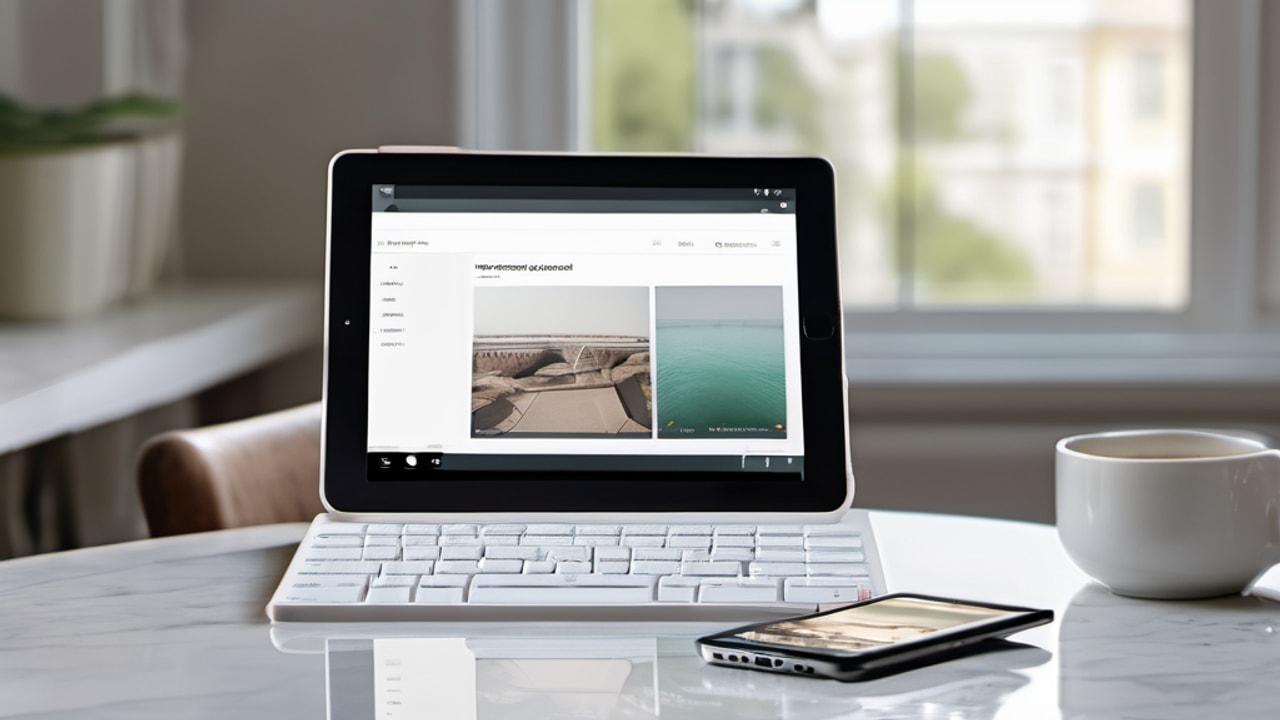
Keep a copy of the selected model and compatibility requirements with your purchase notes. Complete the app, connection, and physical-setup checks while the applicable return terms allow you to act on the result. Choose an alternative when a required condition fails instead of allowing optional features to outweigh a basic mismatch.
Related buying guides
- Best tablet keyboards: six product choices compared
- Best keyboards for Kindle Fire tablets: check generation
- Best portable keyboards for Android tablets on the go
As an Amazon Associate I earn from qualifying purchases.


Write Your Review
No reviews yet. Be the first to share your experience!