
A good gaming desk setup is less about buying the flashiest frame and more about a few smart choices. This guide collects the best ideas for gaming desks, covering shape, width, monitor height, storage, cables, power and lighting, with real Amazon listings as examples of each idea so you can see what they cost.
The short answer on the best ideas for gaming desks
The ideas that improve most setups are simple: choose a desk shape that fits your room, size the width to your monitors, lift screens to eye level, give the tower its own spot, plan power and cables before you build, and add storage and lighting only where they solve a real problem rather than just looking busy.
The rest of this guide explains each idea, what it costs, its limits and which listed desks show it in practice. Every spec and price quoted comes from Amazon listings checked on November 10, 2026. We did not set these desks up ourselves, so treat the examples as starting points, not tested recommendations.
Layout ideas that shape the whole setup
Layout decides everything else, because the desk shape and size limit how many screens, peripherals and accessories you can use. Get the footprint right first, then decide on extras. A cheap desk that fits the room usually beats an expensive one that blocks a door or forces you to sit at an angle.
Match the desk shape to your room
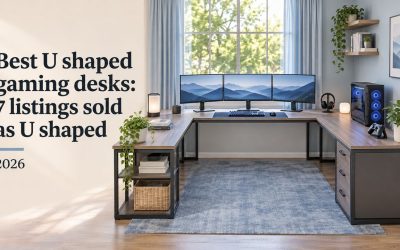
A straight rectangular desk suits a single wall, while an L-shaped or corner desk turns an unused corner into a work-and-play station. The Mr IRONSTONE Gaming Desk with LED Lights, for example, is an L-shaped corner desk listed at 50.8 by 50.8 inches, approx. $69.99 on Amazon (Nov 10, 2026).
Z-shaped and A-shaped frames, like those on several HLDIRECT desks, change the leg design rather than the top, which mainly affects legroom and looks. Measure both walls before choosing a corner model.
Size the width to your monitors
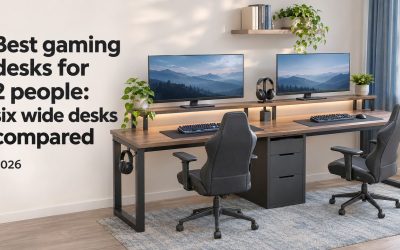
Width is the simplest way to plan for screens. A desk around 40 to 48 inches wide suits one main monitor, around 55 inches gives room for two, and 63 inches or more leaves space for three, though that is a rule of thumb from published widths, not a tested fit for every screen size.
For a wide surface on a budget, the Huuger 63 Inch Computer Desk lists a 63-inch top and was approx. $84.99 on Amazon (Nov 10, 2026). Depth matters too, since shallow tops put large screens close to your face.
Consider a sit-stand frame
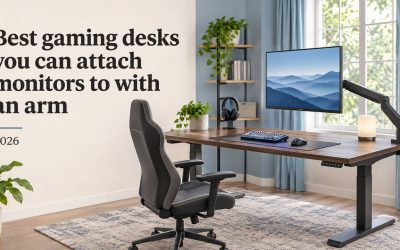
An electric standing desk lets one setup cover long work hours and evening games, since you can switch height with a button. The Cubiker Standing Desk lists a 48 by 24 inch top and a 176 lb rating, approx. $79.99 on Amazon (Nov 10, 2026), one of the cheaper electric options in our data.
The trade-off is that sit-stand desks usually skip built-in storage, shelves and LED, and they need a nearby outlet for the motor.
Screen and tower ideas for a cleaner desk
Once the footprint is set, the next ideas are about where your biggest gear goes. Monitors and the PC tower take most of the space and most of the cables, so placing them well frees the surface for your keyboard, mouse and elbows, and makes the whole setup easier to clean.
Raise monitors with a shelf or arm
Lifting a monitor to eye level frees desk space underneath for a keyboard tray, a controller or speakers. Some desks build this in, such as the Homall L Shaped Gaming Desk with a listed large monitor riser stand, approx. $62.99 on Amazon (Nov 10, 2026).
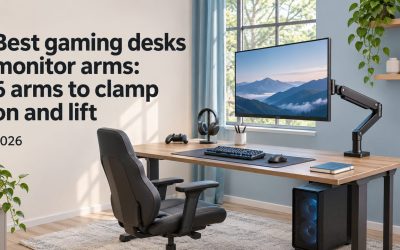
If your desk lacks a shelf, a separate arm does the same job. The ErGear Single Monitor Arm is listed for 13 to 34 inch screens at approx. $29.99 on Amazon (Nov 10, 2026). Check your desk edge thickness and the arm’s mounting method before you buy.
Give the PC tower its own stand
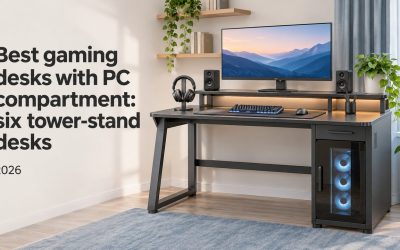
A tower on the desk eats surface space, while one on the floor collects dust and sits close to your feet. A raised stand on the desk frame is a middle ground. The AODK 48 Inch Gaming Desk lists a CPU stand and a monitor stand, approx. $79.99 on Amazon (Nov 10, 2026).
If you want to show off a build, the AODK Gaming Desk with PC Showcase Stand is listed for compact towers, approx. $129.99 on Amazon (Nov 10, 2026). Check your case size against the stand before ordering.
Storage, power and cable ideas
Clutter builds up fast around a gaming PC, with controllers, headsets, chargers and cables all fighting for space. The ideas here keep that gear within reach without covering the desk, and they are often cheaper to get right at the desk-buying stage than to add later with separate organizers.
Pick storage that fits your gear
Choose storage by what you own. Drawers hide controllers and small items, open shelves suit consoles and books, and a hutch adds vertical space above the monitor. The Korfile 47 Inch Gaming Computer Desk lists five storage drawers and a 200 lb rating, approx. $89.99 on Amazon (Nov 10, 2026).
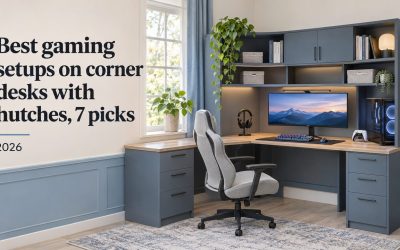
For vertical storage, the SEDETA L Shaped Gaming Corner Desk lists drawers, a hutch and a pegboard, approx. $189.99 on Amazon (Nov 10, 2026). Hutches add height, so check the clearance under shelves or windows.
Plan power outlets and cable routing early
Built-in outlets and cable management reduce the number of power strips and loose wires on the floor. The Bestier 42-Inch L-Shaped Computer Desk lists charging with two AC outlets, USB and Type-C, plus cable management, approx. $89.99 on Amazon (Nov 10, 2026).
A cable hub or tray under the top also helps. The Claiks Electric Standing Desk lists a cable management hub and hook, approx. $104.49 on Amazon (Nov 10, 2026). Treat these as seller claims and check how many devices you need to plug in.
Use hooks, holders and a large mouse pad
Small add-ons solve everyday annoyances. Headphone hooks keep a headset off the desk, cup holders keep drinks away from the keyboard, and a large pad gives the mouse a consistent surface. Several HLDIRECT desks list a cup holder, headphone hook and mouse pad among their features.
If your desk has none of these, add them separately. The SteelSeries QcK XXL Gaming Mouse Pad is a full-desk cloth pad, approx. $29.99 on Amazon (Nov 10, 2026).
Lighting and style ideas
Lighting and finish turn a working desk into a setup you enjoy sitting at, but they are also where people overspend. The best approach is to decide what mood you want first, then choose built-in lights or a separate lamp that fits it, and keep the finish in line with the rest of the room.
Add LED lighting for mood, not as the main reason
Built-in LED adds ambient light behind or under the desk, which can soften the contrast of a bright screen in a dark room. The HLDIRECT 47 Inch Gaming Desk lists app-controlled RGB LED lights, approx. $79.99 on Amazon (Nov 10, 2026), while the EUREKA ERGONOMIC 43 Inch desk lists music sync and app control.
Lights should not outweigh size, load and storage. A desk with the wrong width stays the wrong desk however good it glows.
Choose a finish that matches the room
Carbon fiber texture tops look sporty and suit a dedicated gaming room. Wood-look finishes such as rustic brown or maple blend into bedrooms and offices, and white desks brighten small spaces. The Korfile 40 Inch Gaming Desk, for example, comes in carbon fiber white, approx. $99.99 on Amazon (Nov 10, 2026).
Glass tops look striking but carry lower load ratings on some models, so check the listed figure before stacking heavy gear.
Combine the best ideas for gaming desks into one plan
Put the ideas together in order. Measure the room and pick the shape, size the width to your screens, then decide where the tower and monitors go. Next, plan outlets and cables, add only the storage your gear needs, and finish with lighting and accessories that match the room you have.
Working in this order keeps you from paying for features that clash with the space, such as a tall hutch under a low window.
FAQ
These answers cover the questions people ask most often when planning a gaming desk setup from scratch. They are based on the listing data and general layout principles summarized above, not on in-person setups, so measure your own room and gear before you buy any of the desks or accessories mentioned here.
What is the most useful upgrade for a gaming desk?
For most setups, raising the monitor to eye level and tidying cables make the biggest everyday difference, because they free surface space and reduce clutter. A built-in monitor shelf or a separate arm handles the first, and built-in cable management or a cable tray handles the second. Both cost less than replacing the desk itself.
How much desk space do I need for gaming?
It depends on your screens and peripherals. As a rough guide from published desk widths, about 40 to 48 inches suits one monitor, about 55 inches suits two, and 63 inches or more suits three. Depth matters too, and about 24 inches gives more room for a large monitor and a full keyboard than a 16-inch top.
Are LED gaming desks worth the extra cost?
They can be if you like ambient light in a dark room, but the lights add less value than the right size and storage. In our data, several desks with LED, such as the HLDIRECT 47 Inch at approx. $79.99, cost about the same as plain desks, so lighting does not always carry a premium. Compare the core specs first.
Conclusion
The best gaming desk ideas start with fit, not features. Choose a shape and width that suit your room and screens, raise the monitors, give the tower a spot, and plan power and cables early. Add storage, hooks and LED lighting only where they solve a real problem, and your setup will stay comfortable and tidy for longer.


Write Your Review
No reviews yet. Be the first to share your experience!