
The best tablet keyboards for PC use need a clear distinction between a Windows tablet, a desktop PC, and a tablet controlling a remote computer. This comparison emphasizes keyboards that can be checked for sharing across supported devices. A USB receiver useful on a desktop is a separate path from tablet Bluetooth, and wired modes require host support. Identify the actual workflow before deciding which connection options deserve a place in the shortlist.
Research method: We checked the cited manufacturer documentation on November 11, 2026. These are research-based selections, not hands-on test results. Labels describe use cases; they are not measured performance awards. No retailer star ratings or changing prices are used to rank these choices.
Start with this buying decision
For a Windows tablet beside a desktop, a multi-mode keyboard can reduce duplicate equipment when each connection is supported. For an Android or iPad remote-desktop app, commands pass through local and remote software, so not every PC shortcut is guaranteed. Test the exact app and essential keys. B1 Pro and B6 Pro offer several documented connection modes to investigate; compact Logitech candidates and K780 provide other layouts to compare. Do not assume the presence of USB-C means a keyboard can type over its charging cable or that a tablet accepts every receiver.
Product choices and compatibility limits
| Product or route | Reason to investigate | Decisive check |
|---|---|---|
| Keychron B1 Pro | Compact keyboard with several connection modes | A separate keyboard, with host support checked for each intended mode |
| Keychron B6 Pro | Full-size desk layout with number keys | Greater width than compact candidates; no backlighting listed |
| Logitech K780 | Desk keyboard with number pad and cradle | Check tablet thickness in the holder and Bluetooth requirements |
| Logitech Pebble Keys 2 K380s | Compact multi-device Bluetooth | Separate tablet support; verify OS and shortcut requirements |
| Logitech MX Keys Mini | Compact illuminated keyboard for a desk or writing kit | Check exact edition and system requirements; desktop customization is separate from tablet input |
| Logitech Keys-To-Go 2 Universal | Covered keyboard for a supported travel kit | Universal version requires Android 12+ or iPadOS 17+; not an Android 10 recommendation |
Keychron B1 Pro
Keychron lists a 75% layout and Bluetooth, 2.4 GHz, and USB-C wired connections for the B1 Pro. Its platform list includes Android, iOS, Windows, macOS, and Linux. This makes it worth considering when the same keyboard serves a tablet and a computer through different connection methods.
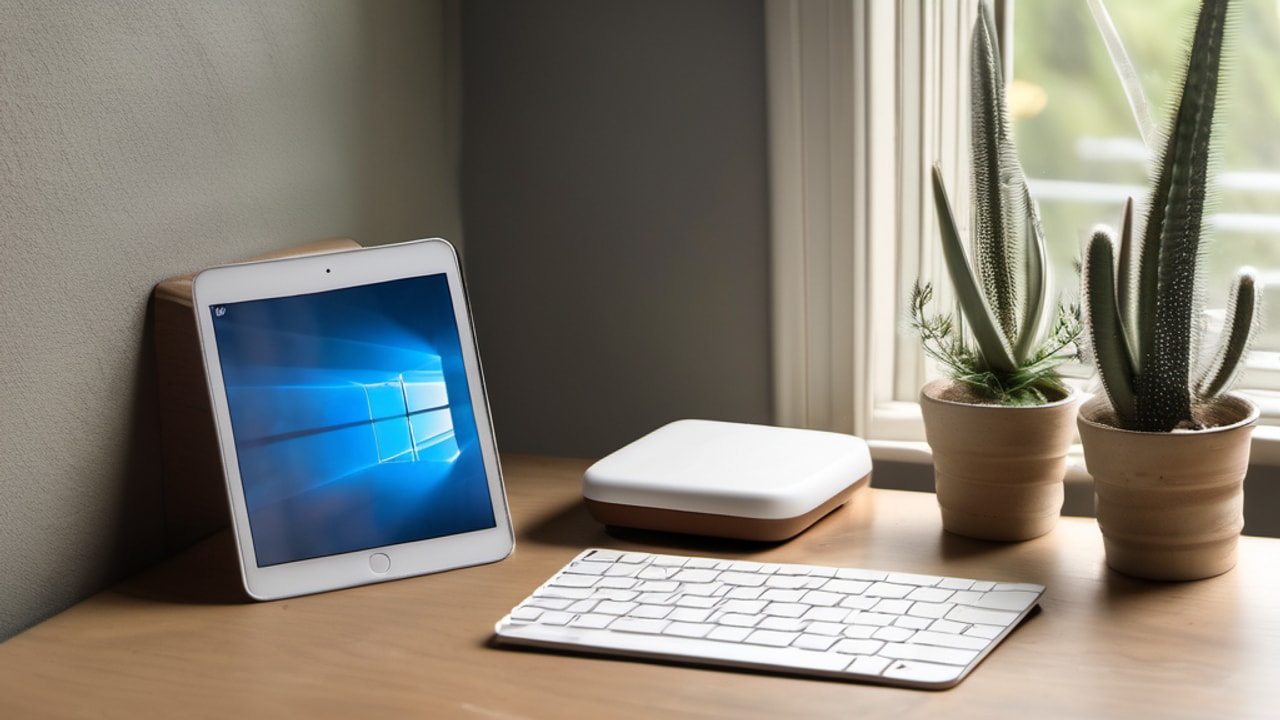
Extra modes are choices to verify, not permission to assume every tablet accepts every receiver or cable. Establish the intended path before buying a hub. The keyboard also needs independent screen support. Compare it with a fitted case if unpacking several pieces is the problem you want to solve. Choose a full-size alternative when numeric entry matters more than compactness. A published platform list supports the initial shortlist, but you still need to check an older OS and essential app commands rather than infer complete compatibility from the connector shape.
Consider it for: Compact keyboard with several connection modes. Check before buying: A separate keyboard, with host support checked for each intended mode. Read the manufacturer documentation.
Keychron B6 Pro
The B6 Pro offers a full-size layout, with Bluetooth, 2.4 GHz, and wired modes documented by Keychron. Android, iOS, Windows, macOS, and Linux appear in its compatibility list. Consider it when a tablet is used at a desk for repeated figures and a computer also shares the keyboard.
The advantage is access to a larger layout, not an evidence-free typing-speed award. Include the space needed for a mouse and the tablet support when comparing it with the smaller B1 Pro. A full-size keyboard can be sensible for spreadsheets but unnecessary for short messages or a small travel bag. Verify the intended connection separately on each host and check any software needed for customization. Choose a compact candidate when the numeric area would mostly go unused or when minimizing the working footprint is the more important requirement.
Consider it for: Full-size desk layout with number keys. Check before buying: Greater width than compact candidates; no backlighting listed. Read the manufacturer documentation.
Logitech K780
Logitech documents a number pad, integrated device support, and multi-device operation for the K780. Its Bluetooth guide lists Android 5.0 or later and requires a Bluetooth Smart-ready host. That makes it a useful candidate to investigate for a compatible desk tablet, including some older Android setups.
The buying reason is the arrangement: numeric keys and screen support can reduce separate components on a desk. Check the holder against the tablet with its case installed instead of assuming every device fits. Bluetooth and the USB receiver are different connection paths, so verify the path intended for the tablet. Choose a smaller standalone model if the screen needs independent positioning or numeric entry is occasional. Consider an original fitted accessory only when its exact match and present condition are clear. A documented older model should not be mistaken for a guarantee of current stock or seller warranty.
Consider it for: Desk keyboard with number pad and cradle. Check before buying: Check tablet thickness in the holder and Bluetooth requirements. Read the manufacturer documentation.
Logitech Pebble Keys 2 K380s
Logitech documents Bluetooth pairing with three devices and lists Android 9 or later among the K380s requirements. This makes it a candidate for a shared typing setup when the tablet meets those requirements. Its purpose here is compact everyday input, rather than an unsupported claim that it is the fastest keyboard.
The main purchasing decision is whether a separate screen support suits your routine. You can choose the stand independently, but must carry and arrange both pieces. Check the modifier keys and essential shortcuts in your app before relying on desktop habits. Device switching is useful only if the controls remain understandable during ordinary breaks. Choose a fitted cover instead when keeping everything together matters more than positioning flexibility, or a numeric layout when repeated figures are the central task.
Consider it for: Compact multi-device Bluetooth. Check before buying: Separate tablet support; verify OS and shortcut requirements. Read the manufacturer documentation.
Logitech MX Keys Mini
MX Keys Mini is worth comparing when a compact illuminated keyboard is useful for the way you work. Logitech identifies it as a wireless illuminated model. Treat the exact edition, platform requirements, and supported shortcuts as separate checks instead of extending a desktop feature list to every tablet.
The reason to choose this style is a compact writing arrangement with lighting where it is genuinely needed. It does not hold or protect the tablet, so include a stand and storage solution. Try navigation and punctuation in your actual editor during the return window. Choose a number-pad model for frequent numeric entry, or a simpler unlit alternative when illumination would add little practical value. Neither the premium positioning nor familiar-looking keys establish superior comfort for every user; the relevant evidence is whether the setup serves the tasks and environment you actually have.
Consider it for: Compact illuminated keyboard for a desk or writing kit. Check before buying: Check exact edition and system requirements; desktop customization is separate from tablet input. Read the manufacturer documentation.
Logitech Keys-To-Go 2 Universal
Keys-To-Go 2 Universal is the portable option to compare when your installed software meets Logitech’s requirements. The published list includes Android 12 or later and iPadOS 17 or later. There is also an Apple version, so selecting the right variant is part of compatibility rather than a cosmetic choice.
The covered separate-keyboard arrangement is useful when you want to retain an existing tablet case and bring physical keys only when needed. The keyboard cover does not replace screen support or protection for the tablet. Add those pieces to the travel comparison. Skip this candidate when the software minimum is not met; the presence of Bluetooth on an older tablet does not override the published requirement. Choose an integrated case when fast setup as one package is more important than carrying independent components.
Consider it for: Covered keyboard for a supported travel kit. Check before buying: Universal version requires Android 12+ or iPadOS 17+; not an Android 10 recommendation. Read the manufacturer documentation.
How the candidates were selected
We compared documented connection methods, stated platform support, physical setup requirements, and practical limitations. A candidate must meet the conditions relevant to the tablet before optional features influence the choice. The order of products is a reading order, not a universal performance ranking. For model-specific accessories, the fit condition applies only to the named device and selected version.
Manufacturer specifications establish what to verify; they do not establish identical behavior in every app. Our review methodology explains the difference between research and direct testing. Treat an unresolved software or physical-fit requirement as a reason to obtain confirmation before purchasing.
Checks for this tablet setup
Distinguish Bluetooth from receiver-based wireless
Wireless can describe Bluetooth or a separate USB radio receiver. A receiver needs a compatible host connection and may require an adapter on a tablet. Some keyboards offer both methods, but support for one does not establish every host’s support for the other. Verify the exact receiver type and whether it is included.
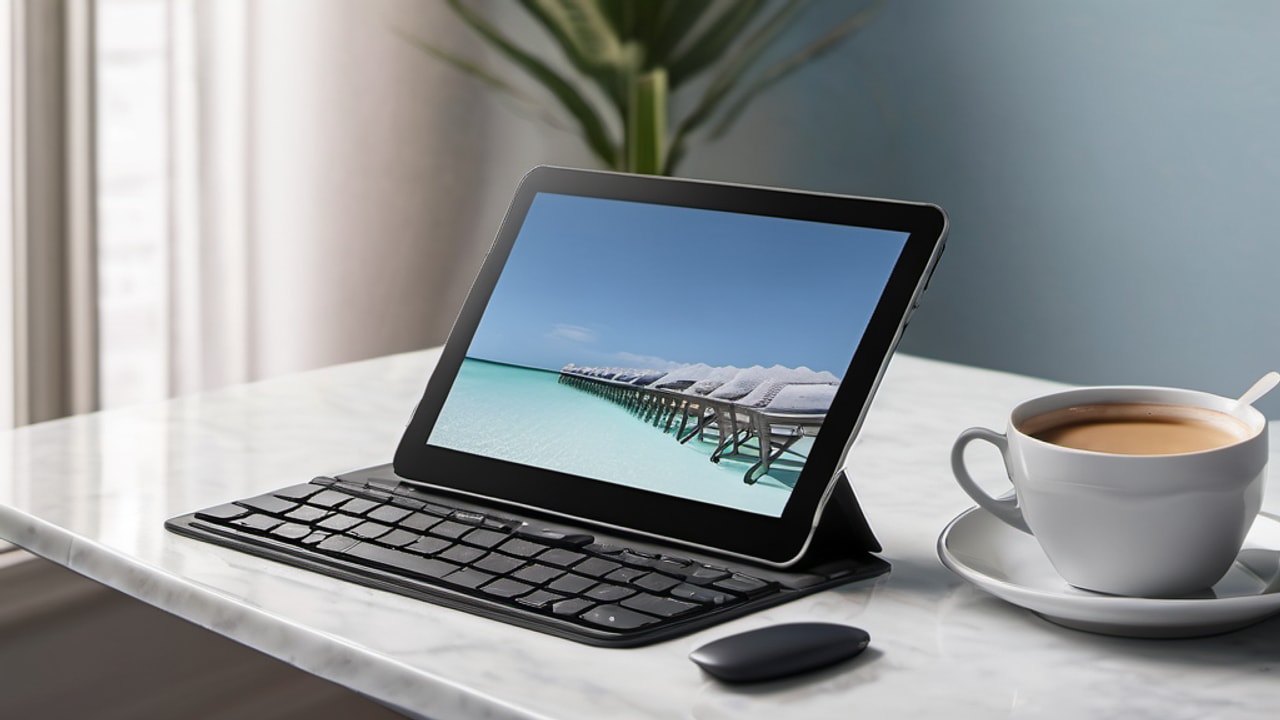
Bluetooth can leave a limited tablet charging port free. A receiver may be useful for a computer without a suitable Bluetooth connection, but that does not make it the preferred tablet method. Check the intended mode on each device before purchasing adapters.
A charging socket on a keyboard is not proof of wired keystroke support either. Keep connection, charging, and physical attachment separate in your comparison. Each extra component should solve a verified requirement. This prevents a computer feature from becoming an unsupported promise about tablet ports or accessory behavior and makes it easier to understand which part of the setup needs attention if something stops working.
Verify wired data support before relying on a cable
If wired typing is necessary, confirm that the keyboard sends keystrokes over the cable instead of using it only for charging. Then check the tablet’s accessory support and any hub requirements. The shape of a USB-C connector does not establish everything two connected products can do together.
Try the arrangement while the tablet is charging if that is part of the plan. Route the cable so it does not disturb the stand or strain the port. A wired connection can remove one pairing task while adding cable management, adapters, and questions about available ports.
Choose this route for a specific supported workflow, such as a desk shared with a computer. Do not assemble an adapter chain simply because several connection modes appear on the keyboard box. A practical setup has a clear reason for every component, and its complete connection path has been checked against the tablet rather than inferred from matching connector shapes.
Keep device channels and input destinations clear
Assign stored channels consistently if the keyboard supports several hosts. Reserve one for the tablet and another for the computer, for example. A small note can help until the controls become familiar. Before entering a private message or password, confirm both the active device and the application with focus.
Remember that switching a keyboard does not automatically switch a separately connected mouse. Test the change in both directions and check whether modifier behavior or app focus needs attention. A shared desk benefits from predictable recovery rather than merely having the largest number of connection options.
If only one host is used, extra channels may add little value. If several people share the arrangement, test it with the least experienced user. A dedicated keyboard can be more practical than a sophisticated shared setup if people repeatedly type into the wrong screen or require help restoring the expected connection. Convenience depends on the people and routine involved.
Distinguish local tablet commands from remote commands
A remote desktop workflow involves both the tablet interface and the computer being controlled. Commands may be intercepted locally or handled differently by the remote app. Test modifiers, function keys, and navigation required by your software before assuming a desktop-looking layout reproduces every action.
Check pointer behavior inside the remote session separately from the tablet home screen. Record which commands require alternatives. Hardware can improve physical access without removing limitations elsewhere in the connection chain. This is especially relevant when the tablet is a portable window into software that actually runs on a PC.
Compare keyboards around commands usable in your chosen application, rather than a theoretical desktop feature list. This can avoid replacing hardware when the actual obstacle is software handling. It can also show when a larger layout is worthwhile because the remote workflow already supports and regularly uses those keys. Keep the evidence tied to the real app and host combination.
Decide whether a number pad is worth its width
Repeated figures can justify a dedicated number pad. Compare how much numeric entry you do with the desk and carrying space required by the extra keys. Occasional dates may be manageable on a number row, while frequent expense tables or inventory entries can make a numeric area more useful.
Test moving between cells, confirming values, and correcting mistakes as well as entering digits. Spreadsheet navigation depends on the application alongside the hardware. If a wider keyboard pushes the mouse into an awkward position, account for that tradeoff in the complete setup.
A writer who occasionally enters a price and someone processing many rows need different compromises. Do not buy full-size solely because it looks more complete. Equally, do not sacrifice the keys that support the recurring task just to obtain a smaller bag footprint. A clear use case makes this decision simpler than trying to identify one universally superior keyboard size for every tablet owner.
Map the complete working footprint
Measure the usable surface and place the tablet, support, keyboard, and mouse where they would normally sit. A kickstand may need space behind the screen; a cradle fixes it closer to the keys. Charging cables also need a path that avoids pulling across your hands or straining the tablet’s connector.
Open the reference material and document you normally use together. Notice whether you repeatedly move components out of the way. If the keyboard pushes a mouse too far to one side, a shorter layout could be useful. If numeric entry dominates, a wider number-pad layout may earn its space instead.
The useful footprint is the room required to work, not just the keyboard width listed in a specification. Compare the entire arrangement before paying for compactness or extra keys. A slightly different screen support can sometimes solve a crowded desk more effectively than replacing a keyboard whose actual typing layout already suits you.
Final purchase decision
Map the host and connection for each device, then test the application layer. Sharing hardware is useful only when the complete workflow is supported.
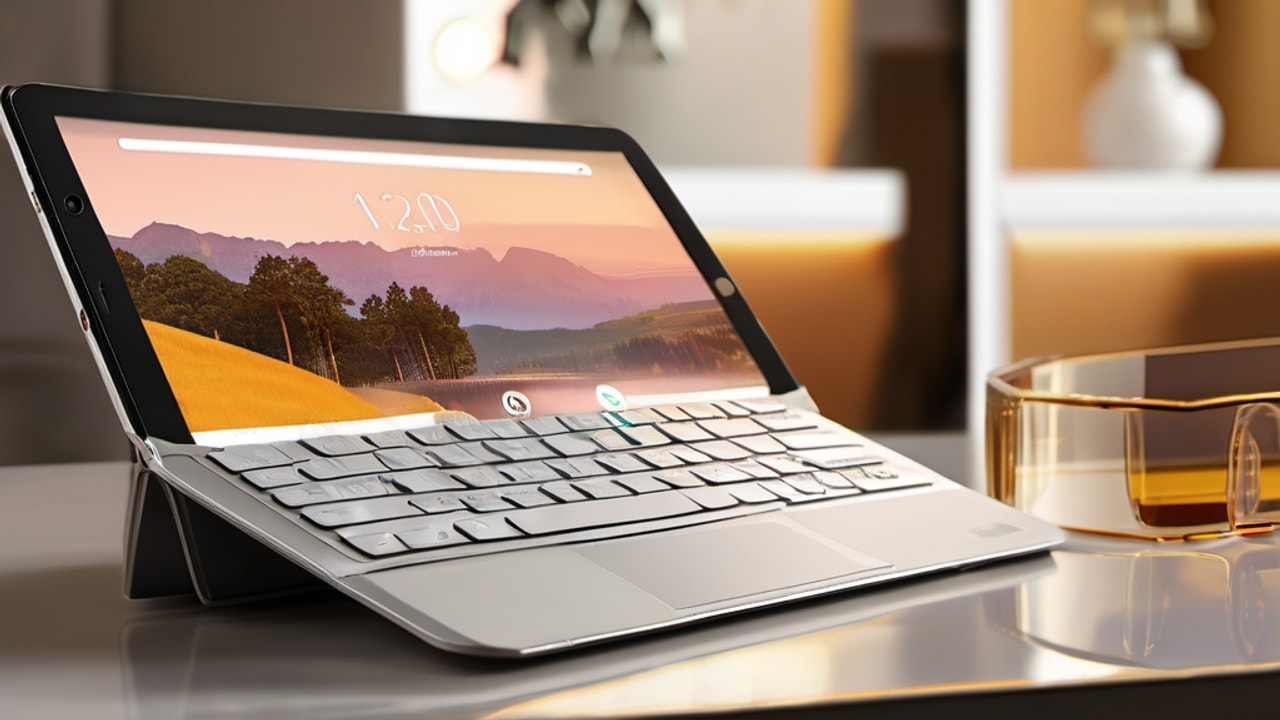
Keep a copy of the selected model and compatibility requirements with your purchase notes. Complete the app, connection, and physical-setup checks while the applicable return terms allow you to act on the result. Choose an alternative when a required condition fails instead of allowing optional features to outweigh a basic mismatch.
Related buying guides
- Best tablet keyboards: six product choices compared
- Best tablet keyboard cases: fitted and adjustable picks
- Best tablet keyboards for travel: pack a usable setup
As an Amazon Associate I earn from qualifying purchases.


Write Your Review
No reviews yet. Be the first to share your experience!